 English
 Bengali
OKGO App — Your Casino in Your Pocket
Alright, so you're thinking about grabbing the OKGO app instead of playing through the browser. Good call. I've been running it on my daily driver for about three months now, and the difference between the app and the mobile site is real — Aviator rounds load quicker and live football markets update without that annoying refresh lag.
📲 Getting the OKGO App on Your Phone
Forget the Google Play Store. Real-money gambling apps aren't allowed there for Bangladesh users — that's Google's rule, not something shady about OKGO. Every legit casino in Dhaka works the same way.
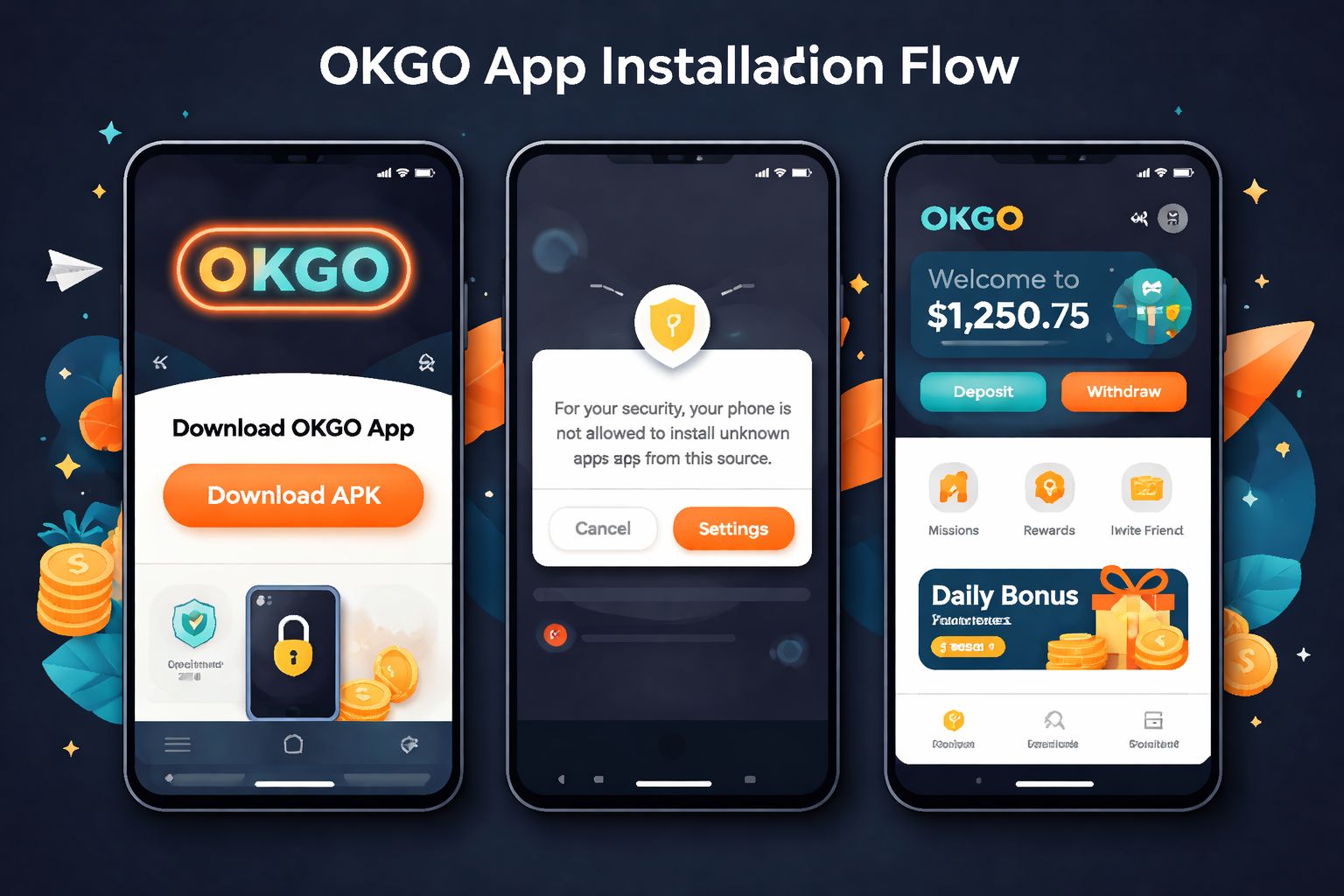
Go straight to the official OKGO website at okgoooo.com. You'll see the download link at the top of the homepage or tucked into the footer. Tap it, wait a few seconds, file lands in your Downloads folder. That's it.
Here's what you're actually downloading:
| Spec | Value |
|---|---|
| File size | 26 MB |
| Format | APK (Android package) |
| Minimum Android | 6.0 Marshmallow or above |
| Current version | 4.1.0 |
| Update frequency | Every 4–6 weeks |
| Digital signature | Signed by OKGO development team |
One warning before you tap anything: only download from the official OKGO domain. Those APK mirror sites you see shared in WhatsApp groups? Half of them repackage the file with data-stealing scripts. It's not paranoia, it's just how this space works.
You can always confirm you're on the right source by checking the download button on the official app page.
🤖 Installing the APK on Android
If you're on Android — which most of us in Chittagong and Dhaka are — this whole process takes maybe 90 seconds. Really. Even on a slow phone.
Here's the walkthrough:
- Hit the Android download button on okgoooo.com and let the .apk file save to your Downloads folder
- Turn on installs from unknown sources — one-time setup: - Android 6–7: Settings → Security → tick "Unknown sources" - Android 8 and up: A prompt appears asking "Allow installs from Chrome/browser?" — tap Allow
- Open the .apk from your notification bar or the Files app
- Tap Install — the whole thing wraps up in about 20 seconds
- Launch the app, sign in through your OKGO account or register fresh, and you're ready
My first install was on an old Samsung A20 running Android 9. Zero issues, zero waiting. If it works on that, it works on anything.
About permissions — what each one actually does:
| Permission | Why it asks | Should you allow? |
|---|---|---|
| Storage | Save APK, cache slot graphics locally | ✅ Required |
| Notifications | Bonus drops, live match alerts, cashout reminders | 🟡 Optional — app works fine without |
| Camera | Selfie upload for KYC verification | 🟡 Only during withdrawal setup |
| Location | Confirms your account country matches | 🟡 Speeds up KYC, not mandatory |
| Contacts / SMS | Never requested — if asked, it's not real | ❌ Never |
The genuine OKGO app never asks for SMS, call log, or contact access. If some APK does — close it, delete it, download again from the official source.
🍏 What iPhone Users Need to Know
Straight talk: OKGO doesn't have a native iOS app. Apple's App Store rejects gambling apps for Bangladesh, so it's not something OKGO can bypass. Every casino operating here faces the same wall.
Here's the workaround: the mobile web version works brilliantly on Safari. Head to okgoooo.com in Safari and you get the full experience:
- ✅ Complete slots catalogue with all providers
- ✅ Every live dealer table available
- ✅ Cricket, football and kabaddi in-play markets
- ✅ bKash, Nagad, Rocket, Upay deposits and cashouts
- ✅ Push-style notifications (once you add to home screen)
Add OKGO to your home screen — this is the closest thing to a real app on iPhone:
- Open Safari and navigate to the OKGO site
- Tap the Share icon (square with an upward arrow)
- Scroll and tap "Add to Home Screen"
- Rename it "OKGO" if you want, hit Add
- The icon appears on your home screen — tap it and it opens fullscreen, no browser bars
Everything runs at the same speed as Android. The only thing iPhone users miss is the exclusive first-install bonus I'll cover next.
⚡ Why the App Beats the Browser
You might be wondering if the app is really worth 26 MB of storage. Fair thought. Here's what I noticed after using both side by side for a few weeks:
Speed differences you'll actually feel:
- 🚀 Section-to-section navigation loads in about 2 seconds (browser takes 4–5)
- 🚀 Live dealer streams start buffering less — usually instant on 4G
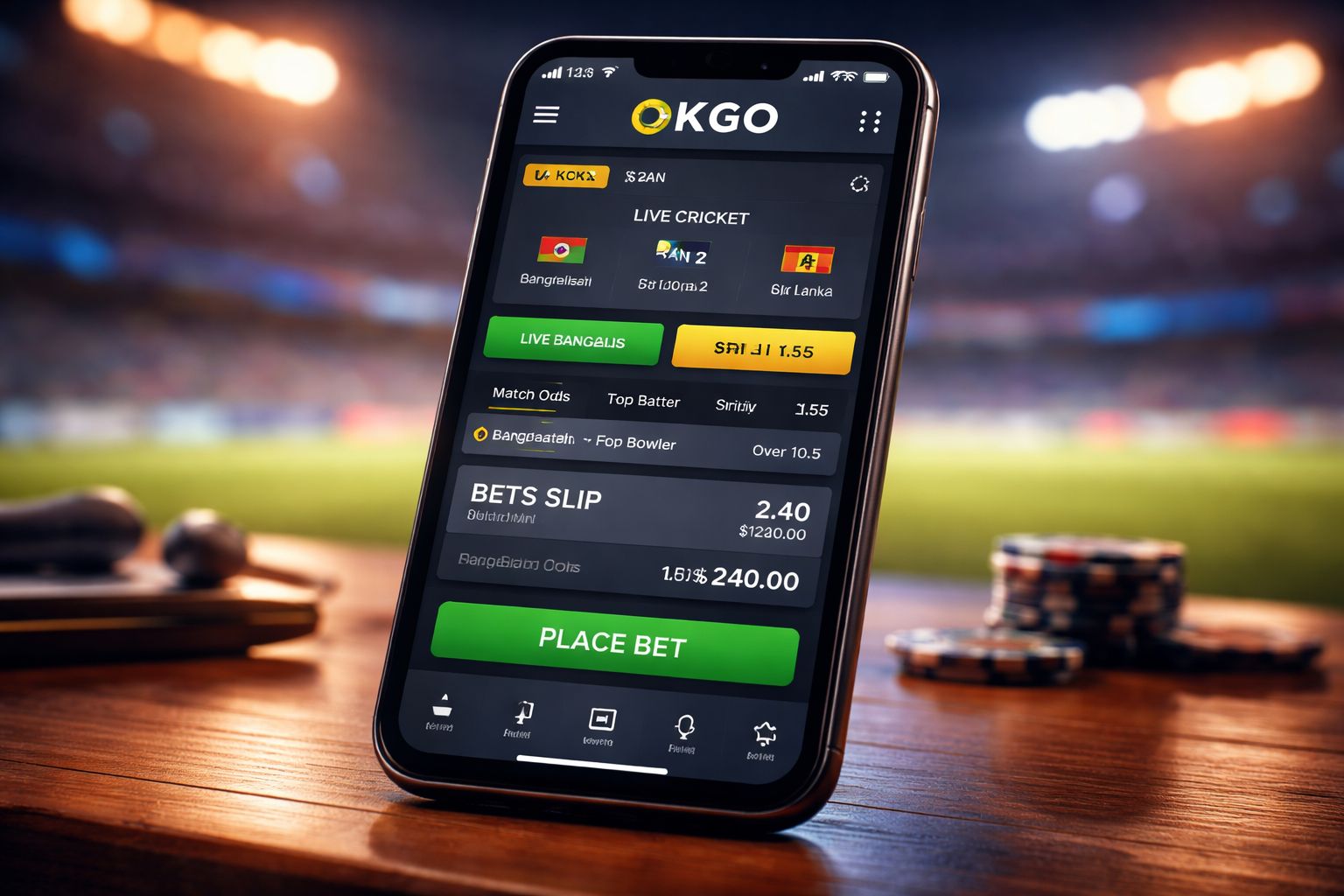
- 🚀 Bet slip updates happen in real time without reloading the page
Features that only exist inside the app:
- 📱 Biometric sign-in — use fingerprint or face unlock, no password typing
- 🔔 Real push notifications for bonus drops, cashout timers and match kickoffs
- 💾 Offline access to your betting history and transaction records
- 🎯 One-tap Quick Bet for live cricket — huge time-saver during T20s
- 🔊 In-game dealer chat holds the session better — no random disconnects
Data consumption you should know about:
- 📊 Roughly 18–28 MB per hour on live dealer tables
- 📊 About 6–12 MB per hour spinning slots
- 📊 Around 70–110 MB per hour streaming live cricket in HD
- 📊 Drop to SD quality in settings and you'll cut mobile data usage roughly in half
🎁 Bonuses You Only Get in the App
OKGO reserves two promos specifically for app installers. Here's the deal:
1. First-install free bet: ৳250
- Auto-credited to any account that opens the app for the first time
- Zero deposit needed — genuinely free stake on any cricket or football selection
- Minimum odds of 1.65 required for the free bet to be valid
- Winnings released as withdrawable cash, no rollover trap
2. Weekly notification bonus: ৳60 in free spins
- Keep push notifications switched on and stay logged in
- Every Monday morning you get 6 free spins on that week's featured slot
- Small on its own, but stacks up to about ৳240–300 in free spins a month
Neither promo triggers on browser play or on iPhone. It's OKGO's way of nudging players toward the app — honestly a fair trade for the speed boost you get.
🛠️ When Things Go Wrong
If the app refuses to install:
- Double-check that "install unknown apps" is enabled for your browser specifically
- Make sure your phone has at least 150 MB of free storage available
- Uninstall any older OKGO version before running the new APK
- If you see "app not installed" — clear the Downloads folder and re-download the fresh file
If the app installs but won't launch:
- Force stop the app from Settings → Apps → OKGO, then open again
- Give your phone a full restart — solves 80% of weird launch issues
- Wipe and reinstall from okgoooo.com/app.apk as a last resort
If live streams keep buffering:
- Try switching between wifi and mobile data to see which is more stable
- Kill background apps eating your bandwidth (YouTube, Instagram, etc.)
- Drop stream quality using the gear icon inside the game window
- Phones older than 4 years may struggle with HD live streams — that's a hardware limit, not the app
How updates work:
- The app checks for new versions every time you launch it
- A red dot appears on the settings gear when an update is ready
- Tap it, download the fresh APK, install over the existing one — you stay logged in
- New builds roll out every 4–6 weeks, usually fixing bugs and adding new games
If none of this fixes your issue, ping the live chat inside the app or via the login page. Bangla-speaking agents usually reply within 2–3 minutes, 24/7. You can also email [email protected] for slower but documented replies.
❓ Common Questions
Yes — as long as you get it from the official OKGO website at okgoooo.com. The file is digitally signed and virus-scanned before release. Avoid Telegram links, forum uploads and random mirror sites — those often carry modified versions with hidden trackers.
Play Store policy blocks it. Google prohibits real-money gambling apps in Bangladesh. Every legit Bangladesh casino distributes via direct APK — this is normal industry practice, not a warning sign.
No native iOS app exists. iPhone and iPad users open Safari and add okgoooo.com to the home screen — the experience is nearly identical, minus the app-only bonuses.
Around 18–28 MB per hour on live dealer, 6–12 MB per hour on slots, and 70–110 MB per hour streaming cricket in HD. Switching to SD quality inside game settings roughly halves the consumption.
No — updates layer over the existing install. Your login, saved payment methods, bet history and preferences all carry across automatically.
Yes, up to 2 devices per account. However, actively placing bets from both simultaneously can trigger the fraud detection system and pause your account for review.
Not at all. Your OKGO account lives on the server, not the app. Uninstall freely and log back in via browser or reinstall the APK — everything is preserved.
Yes, the same APK runs on tablets. The interface auto-scales to larger screens. iPad users open Safari the same way iPhone users do.
💭 My Honest Take
Do you strictly need the app? No. The mobile site at okgoooo.com covers the basics fine. But if you play more than a few hours a week, the speed, the biometric login, and especially that ৳250 first-install free bet make it a no-brainer install.
That free bet is the highest no-deposit welcome I've spotted from a Bangladesh operator in 2024. Pair it with the standard welcome bonus package and you're walking in with real firepower before you even top up your wallet.
Only ever grab the file from the official OKGO app download page. Anywhere else is a security gamble not worth taking. Simple as that.