 English
 Bengali
OKGO Login — Sign In & Register Your Account
So maybe you saw OKGO trending on a Facebook group, or a friend at your local tea stall wouldn't stop raving about a cricket win, and now you're staring at the login page unsure where to click first. Totally normal.
Getting into OKGO takes roughly ten seconds once you know where the buttons live, and creating a fresh account is barely longer. Here's the plain-language walkthrough I'd give my own family if they asked.
🔑 How to Log In to OKGO
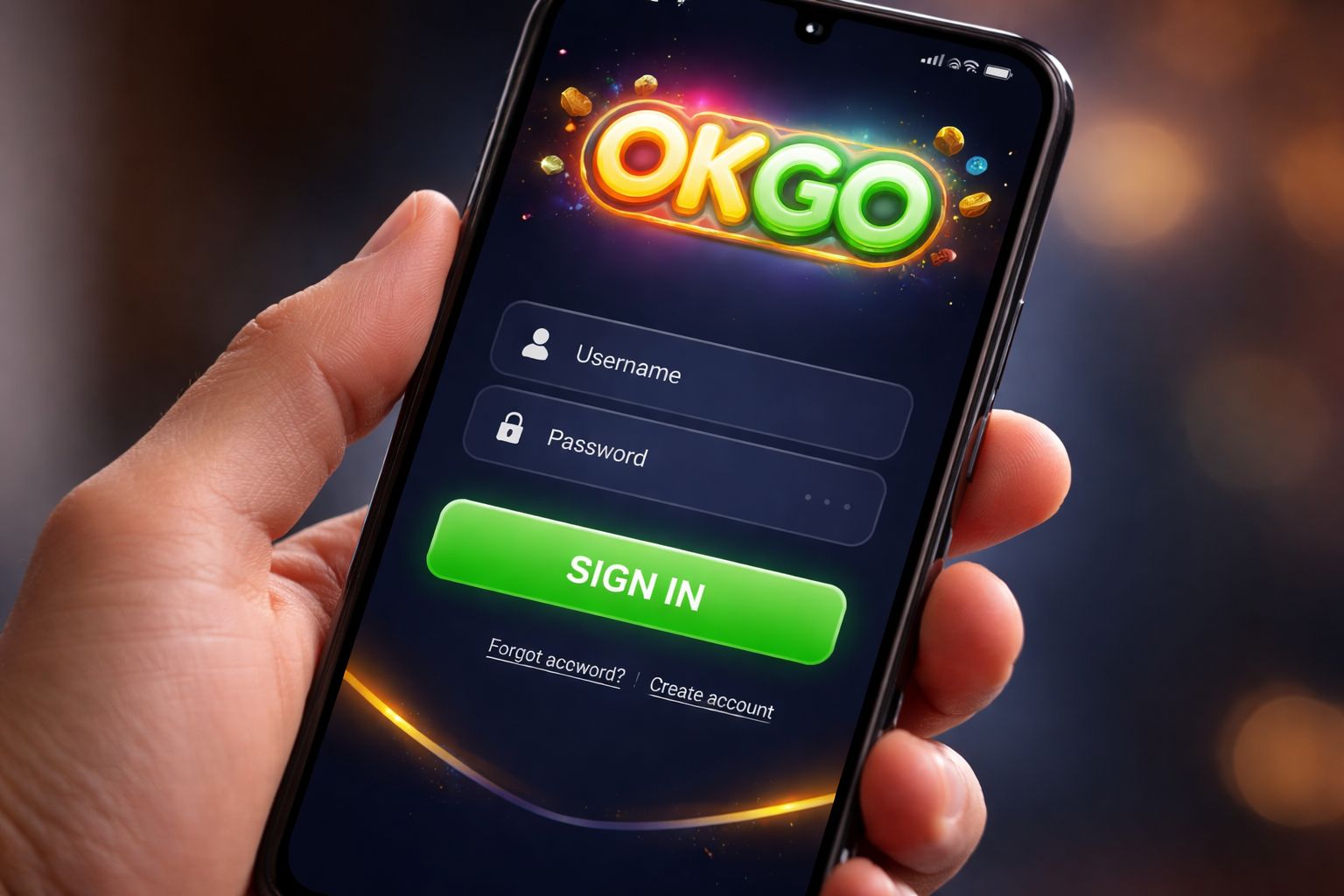
Open the OKGO website or launch the app, glance at the top-right corner, and you'll spot the bright Sign In button. Give it a tap.
Type in the username (or the mobile number you registered with) plus your password, hit the confirm button, and you're through the door. Simple as that.
Three login methods available:
| Method | Requires | Average Speed |
|---|---|---|
| Username + password | Manual entry | ~10 sec |
| Mobile number + password | Manual entry | ~10 sec |
| Biometric (app only) | Fingerprint or Face ID | ~2 sec |
A tiny reminder loads of players miss: if you happen to log in from a shared phone at your workplace or a family laptop, always uncheck the "stay signed in" tickbox. Small habit, big peace of mind.
If your account is already set up and you just want to hop in and play, head straight over to the casino lobby once you're in.
📝 Creating a New Account
Haven't got an account yet? Registration is refreshingly quick — all you'll need is:
- ✅ A working Bangladesh mobile number
- ✅ A mobile wallet you actively use (bKash, Nagad, or Rocket)
- ✅ Roughly 2 minutes of your afternoon
Sign-up walkthrough:
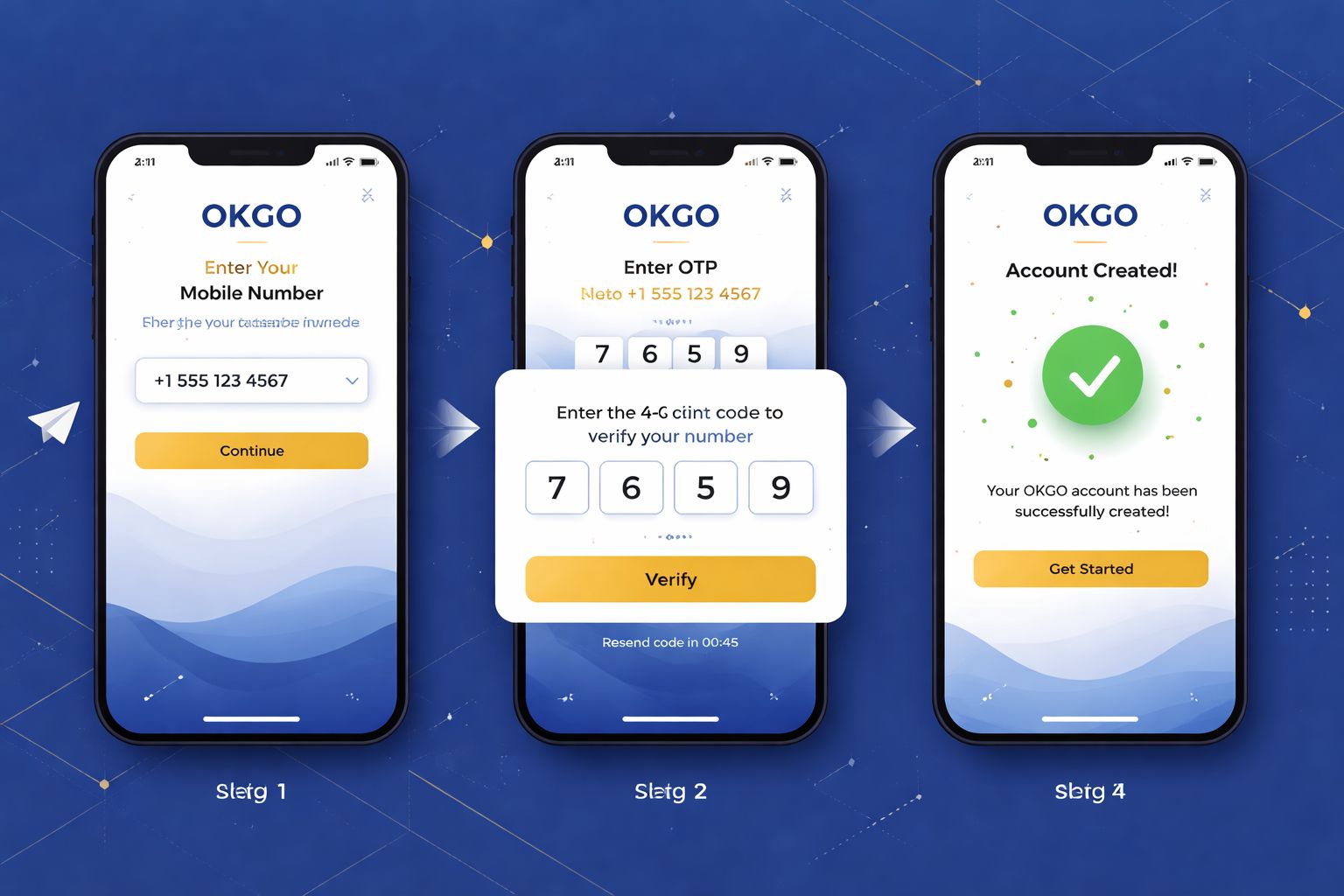
- Tap the Register button at the top of the homepage or inside the Android app
- Type in your Bangladesh mobile number — use the same one tied to your bKash or Nagad wallet (this matters later when withdrawal names have to match)
- Create a strong password — throw in uppercase letters, numbers, and a symbol
- Enter your full name — exactly as printed on your NID card
- Select BDT as your account currency
- Paste a promo code if you have one — that's how the welcome bonus gets triggered
- Confirm the OTP sent to your mobile via SMS
- Submit — your account is now active
Once you're signed in, feel free to browse the slots collection or check out crash and instant games before dropping a single taka. Zero pressure to fund immediately.
Things you don't need to provide during signup:
- ❌ Email verification (optional add-on later)
- ❌ NID upload (only required before your first cash-out)
- ❌ Selfie / KYC (only for withdrawals above ৳10,000)
- ❌ Utility bill or address proof (never asked at registration)
That's noticeably less friction than most casino sites available to Bangladeshi players today.
🔒 Account Security Tips
Your OKGO account is basically a digital wallet, so guard it like the real one in your back pocket.
Do this:
- ✅ Pick a password you haven't reused anywhere else — combine letters, at least one digit, and a special character
- ✅ Switch on 2FA (two-factor authentication) in the settings menu — you'll get an SMS or email code on any new device login
- ✅ Use biometric unlock inside the OKGO Android app — fingerprint or face scan
- ✅ Sign out when using shared devices — even a cousin's tablet counts
- ✅ Peek at your login history once a month (Settings → Security → Login Activity)
Don't do this:
- ❌ Share your credentials with anyone — not even trusted friends
- ❌ Save passwords in browser autofill on public/office computers
- ❌ Click "reset password" links from emails you didn't ask for — always type the OKGO URL yourself
- ❌ Play with real money over public wifi without a VPN — café and hotel networks carry hidden risks
- ❌ Reply to random WhatsApp or Telegram accounts claiming to be OKGO staff — genuine support only lives inside the site and app
Phishing watch: if a text or email pretending to be OKGO asks you to log in via some link, inspect the web address carefully. The real domain is okgoooo.com — anything with extra words like "okgo-bonus-login.com" or "okgo-official.net" is a scam site built to steal your credentials.
❓ Password Recovery
Blanked on your password? Happens to everyone. Fastest way back in:
- Click "Forgot Password" on the sign-in screen
- Enter the mobile number you registered with
- Wait for the 6-digit SMS code to land on your phone
- Type the code into the verification field
- Choose a new password (different from the old one)
- Sign in using the fresh credentials
Whole process wraps up in around 2 minutes. Codes automatically expire after 10 minutes as a safety measure.
If the SMS never arrives:
- Check that your phone has proper cellular coverage (SMS needs signal, not wifi)
- Hold on 60 seconds, then hit "Resend Code"
- Try email recovery if you added an email during signup
- Reach out to live chat as a last option — they can verify you via NID and manually reset
If you've also lost the phone number itself:
Contact support and provide:
- The full name on the account
- Rough date of when you signed up
- Last deposit amount and method (include the bKash/Nagad TrxID if handy)
- A clear scan of your NID for identity checks
The support team will manually verify everything and either reset access or migrate the account onto your new mobile number. Expect 24–48 hours for this — they take their time because they're being cautious, which is genuinely a good sign.
📱 Mobile vs Desktop Login
Both routes work fine. They just feel different depending on what you're doing:
- Mobile browser (Chrome, Safari, Firefox):
- ✅ Runs on any phone, any operating system
- ✅ Nothing to install
- ✅ Access to every feature
- ❌ No fingerprint or Face ID login
- ❌ Marginally slower than the native app on 4G - OKGO Android app:
- ✅ Biometric sign-in (fingerprint/Face ID)
- ✅ Push notifications for bonuses and results
- ✅ Smoother live dealer streaming
- ✅ Snappier switching between sections
- ❌ Android only (iOS uses browser)
- ❌ Needs "unknown sources" toggle to install - Desktop browser:
- ✅ Bigger screen — ideal for multi-market cricket betting
- ✅ Live streams look sharp on a laptop display
- ✅ Full feature parity
- ❌ No biometric option
- ❌ Not exactly portable at the chai stall
The majority of Bangladesh players stick with mobile (either the Android app or Safari on iPhone). I only jump to desktop when I want several BPL markets open on-screen at the same time.
🛟 Login Support & Help
If something's blocking your access, there are three reliable routes to reach the OKGO team:
- 1. Live chat — floating icon at the bottom-right corner of any page
- Available round the clock in Bangla and English
- Typical reply time: under 3 minutes
- Best fit for OTP hiccups and forgotten passwords - 2. Email — [email protected]
- Reply window: 4–12 hours
- Best for issues where you need to attach screenshots or documents
- Include your registered mobile number to speed things along - 3. Official Telegram channel
- Only trust the one linked from inside the OKGO site — anything else is fake
- Reply time: 10–30 minutes
- Handy for general questions and community chatter
Legitimate OKGO support staff will never ask for your password. If anyone claiming to represent the brand requests your password or OTP, cut the conversation and block them straight away. No exceptions.
❓ FAQ
Frequently asked questions about signing in, registering, OTP delivery, and account verification at OKGO Bangladesh.
Enter your Bangladesh mobile number and confirm the OTP. The whole thing takes roughly 2 minutes. No documents needed at the signup stage.
Yes, on up to 2 devices simultaneously. Any more and a security check kicks in — you'll need to reverify via SMS code.
Wait a full 60 seconds and tap "Resend". Still nothing? Try switching from wifi to mobile data (certain routers block Bangladesh SMS gateways). Message support if resends also fail.
Yes. The platform uses SSL encryption, optional 2FA, biometric app unlock, and complete login history logging in your account panel. Turn on 2FA in Settings for maximum protection.
Yes, but with verification. Head to Settings → Personal Details → Change Mobile. You'll need to confirm both the old and new numbers via OTP codes.
No. KYC gets requested only before your first withdrawal exceeding ৳10,000, or if a security review is triggered. Registration itself only needs a phone number and password.
Reach out via live chat. They'll ask you to prove identity with your NID and process the closure within 7 days. Any leftover balance is refunded to your linked payment method beforehand.
The account temporarily locks for 30 minutes after 5 wrong attempts. Use "Forgot Password" to reset instantly — that bypasses the lockout timer.
💭 Final Word
Login and registration at OKGO are about as painless as it gets for a Bangladesh-facing casino. The phone-number-only signup is genuinely quicker than most rivals (many of whom demand email plus address at registration).
If anything trips you up along the way, live chat is the fastest lifeline. Agents reply in Bangla, and I've personally never sat waiting longer than 5 minutes — even at odd hours like 3am.
Set a solid password, flip on 2FA, and grab the OKGO Android app if you're on Android so you can use fingerprint unlock. That's the exact setup that keeps my own account locked down tight.